Infisical supports the use of Access Tokens to connect with Fly.io.Documentation Index
Fetch the complete documentation index at: https://infisical-saif-eng-4890-add-support-for-oracle-db-access-in.mintlify.app/llms.txt
Use this file to discover all available pages before exploring further.
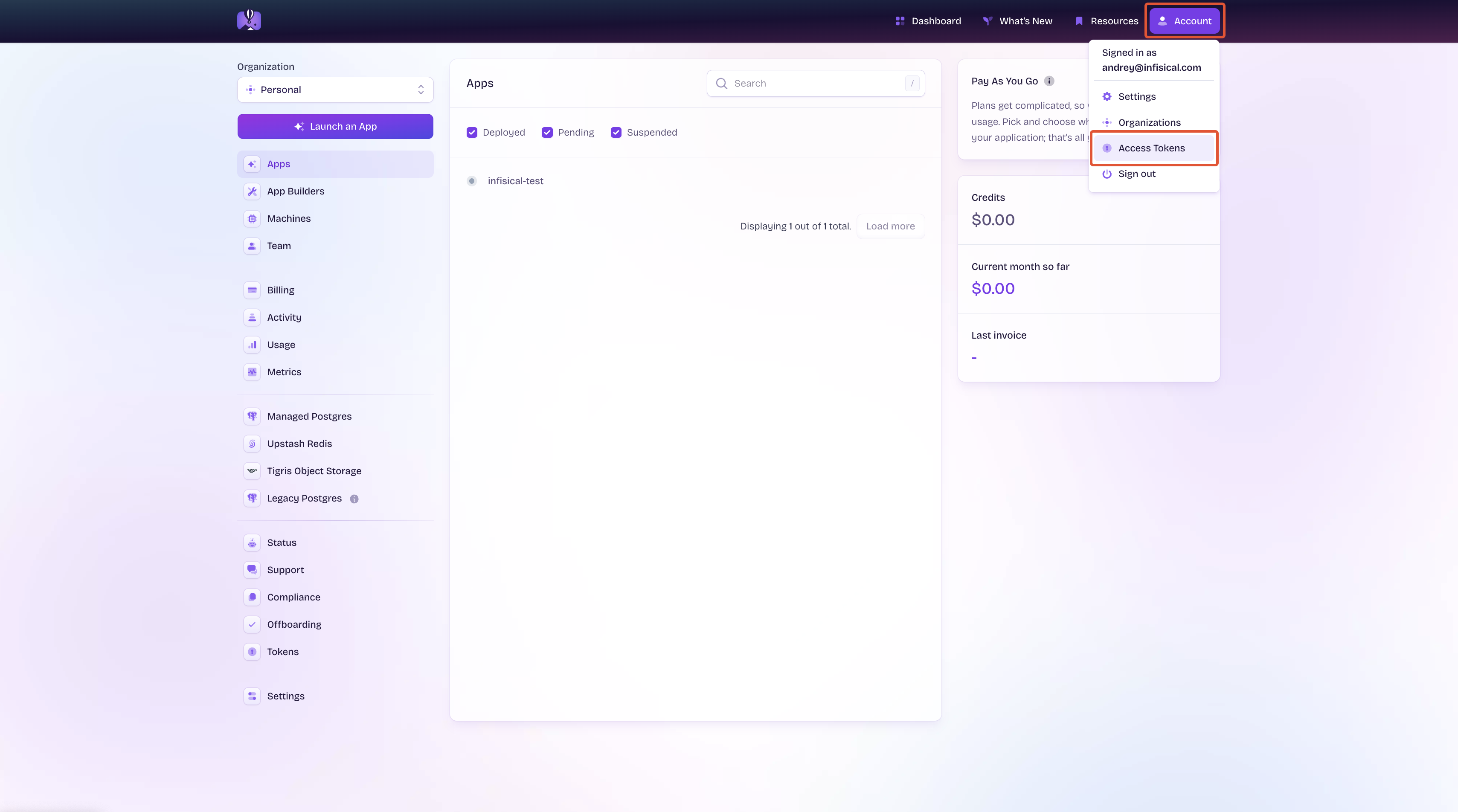
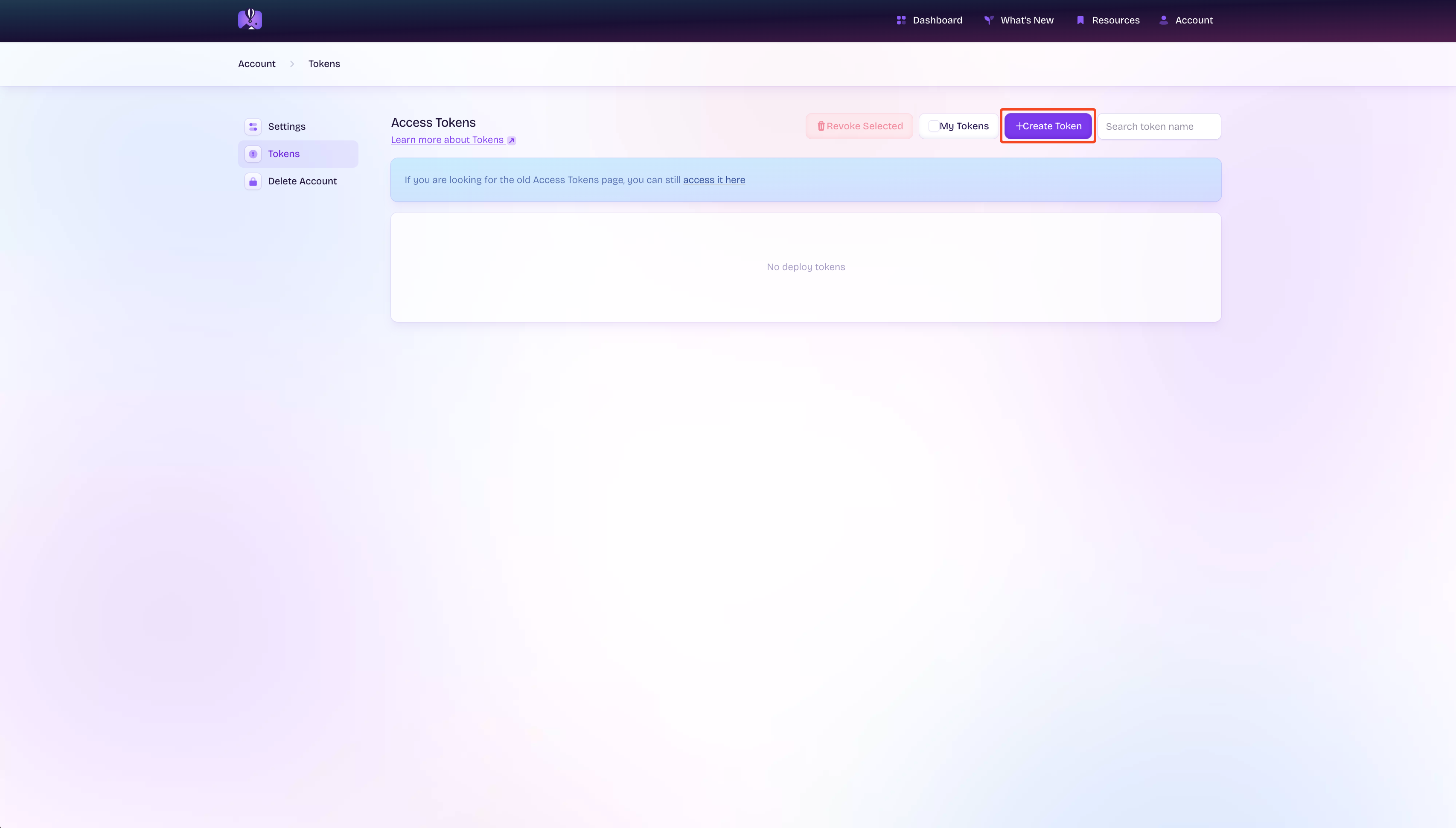
Create Fly.io Access Token
Provide Token Information
Ensure that you give this token access to the correct app, then click ‘Create Token’.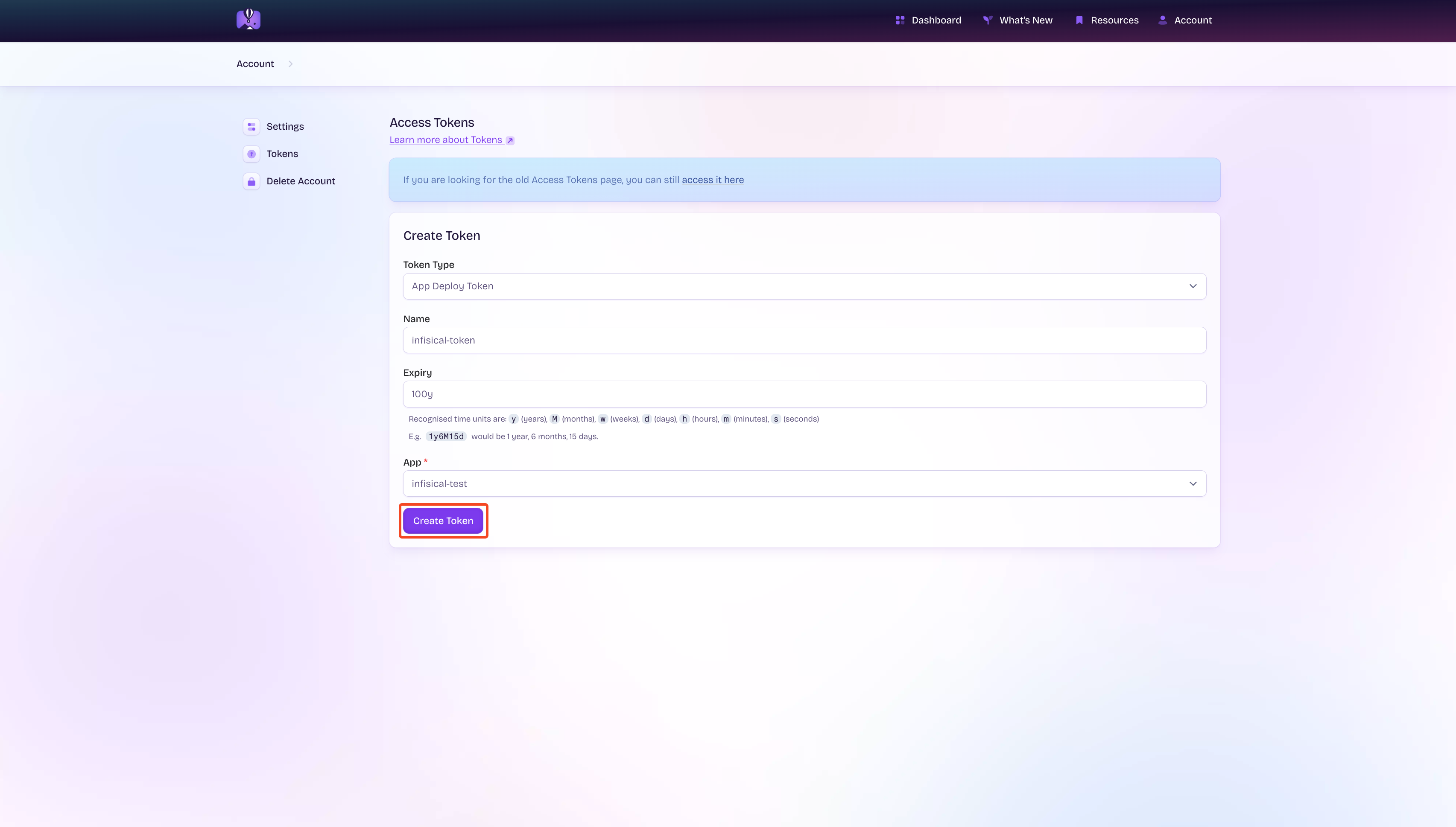
Create Fly.io Connection in Infisical
- Infisical UI
- API
Navigate to App Connections
In your Infisical dashboard, navigate to the Integrations tab in the desired project, then select App Connections.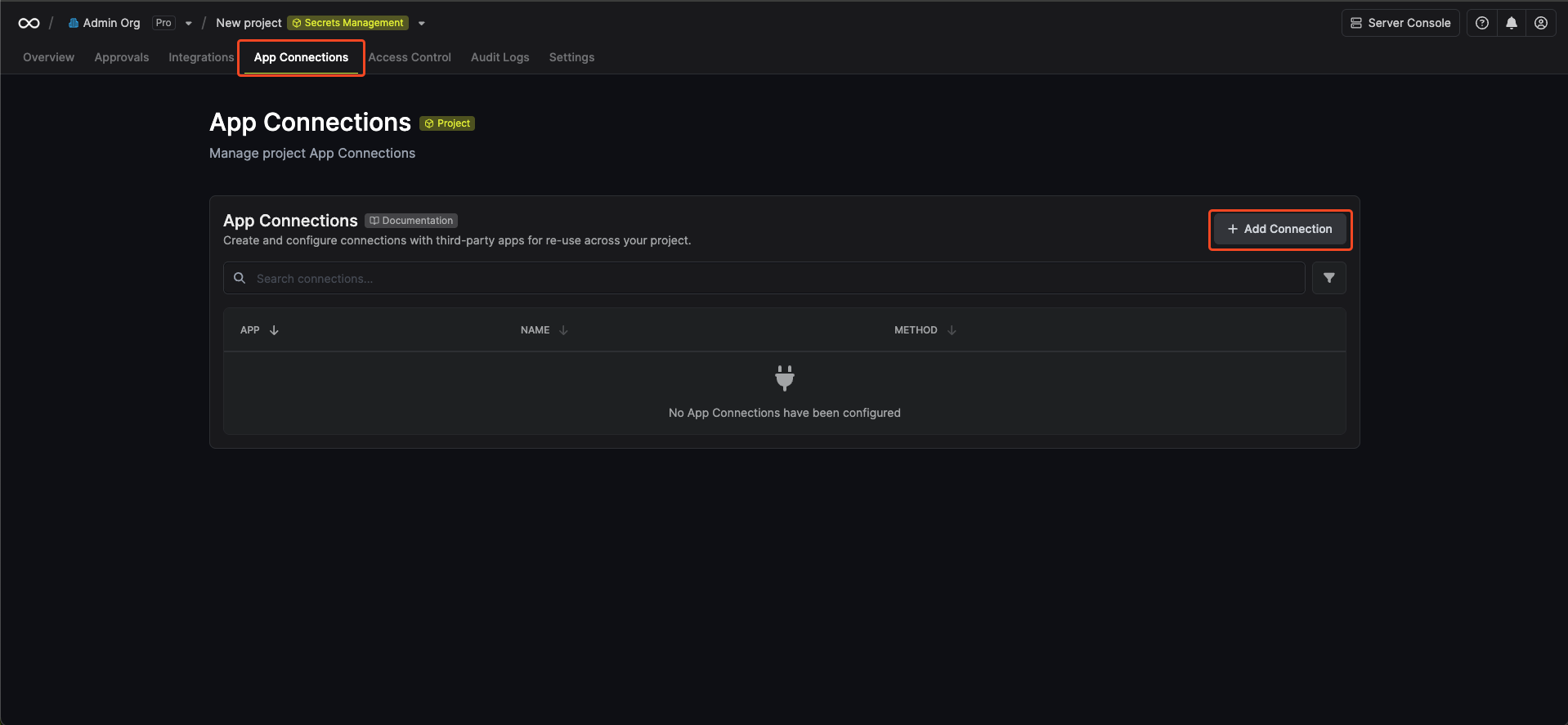
Select Fly.io Connection
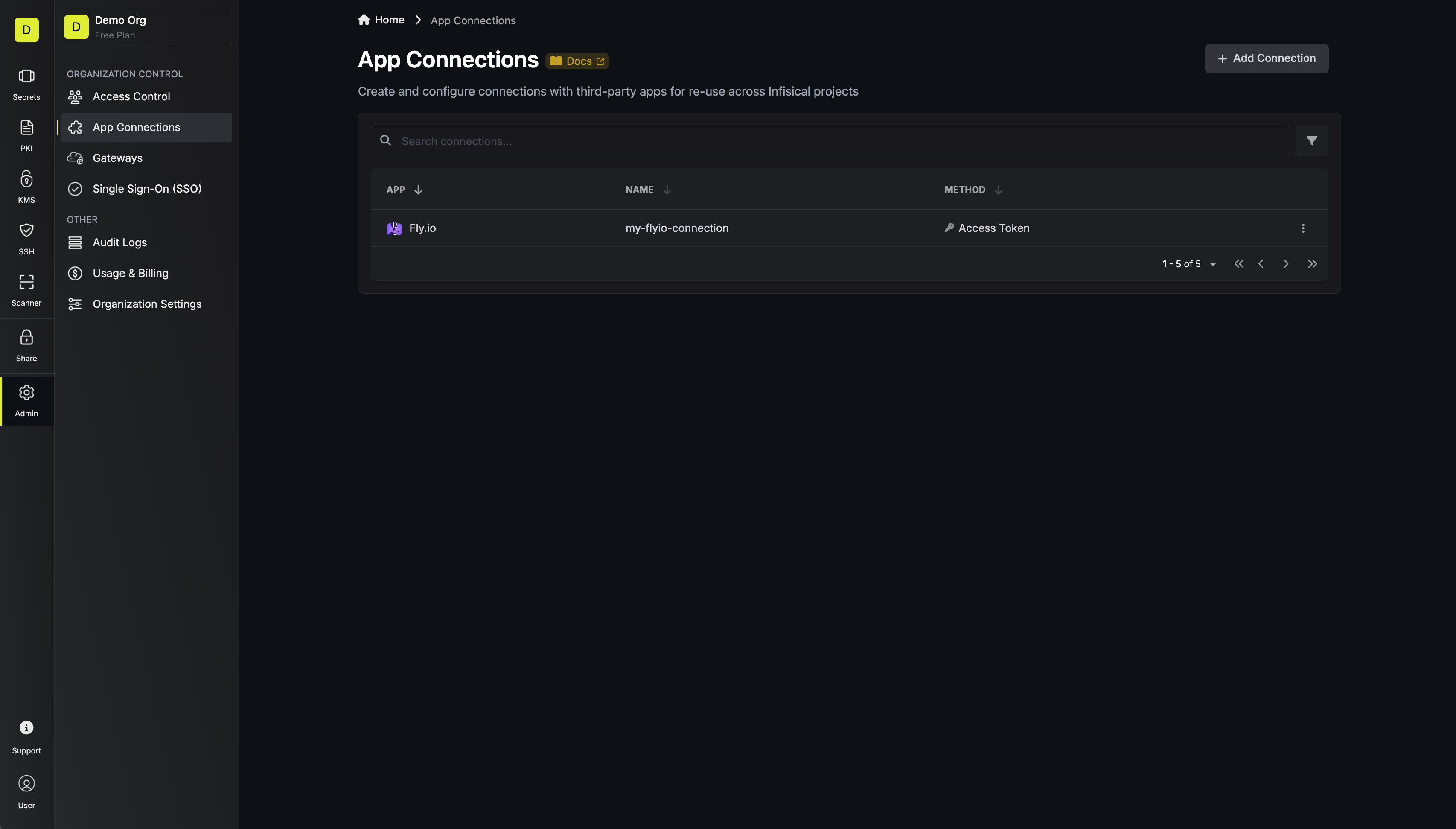
Click the + Add Connection button and select the Fly.io Connection option from the available integrations.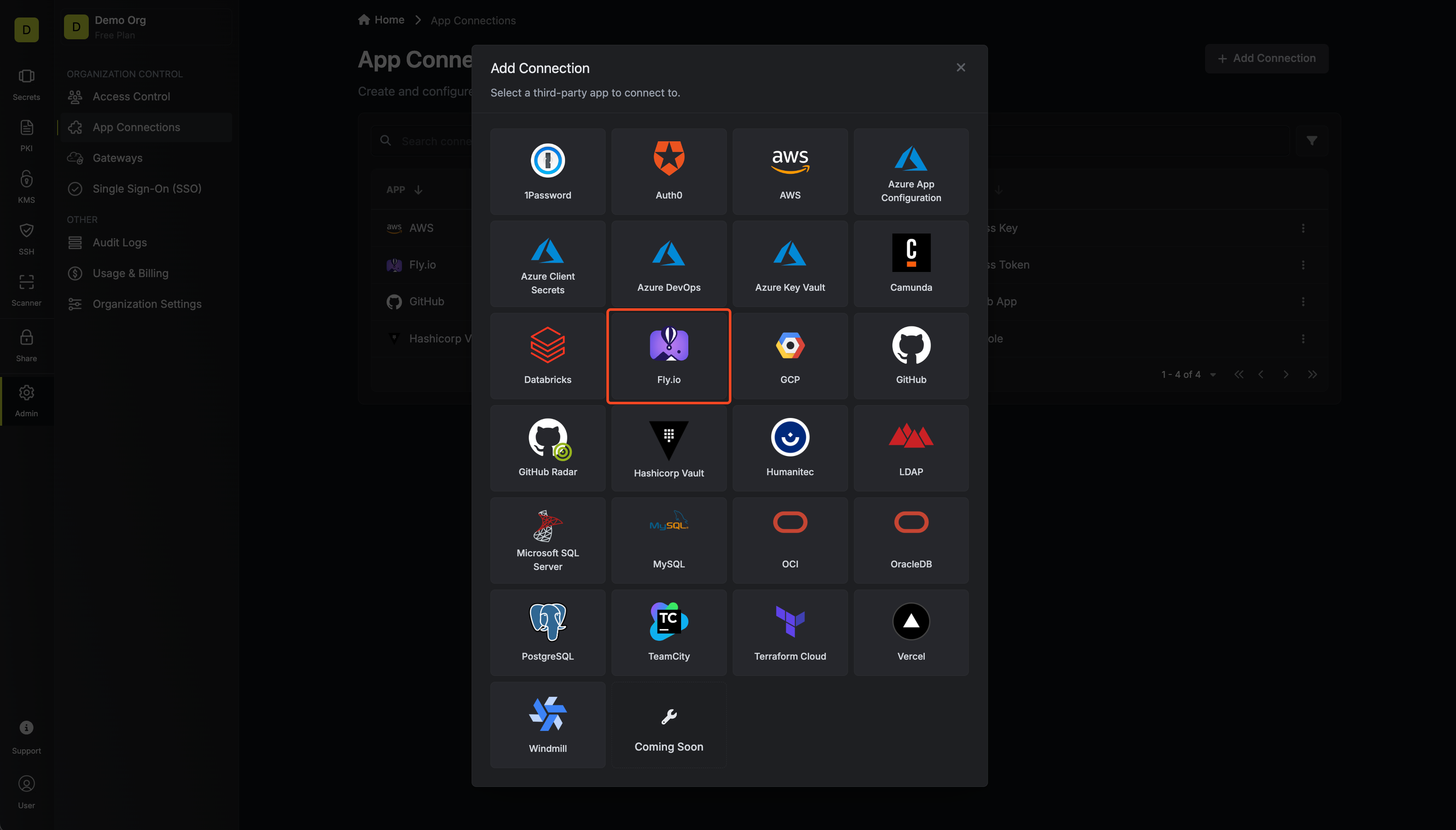
Fill out the Fly.io Connection Modal
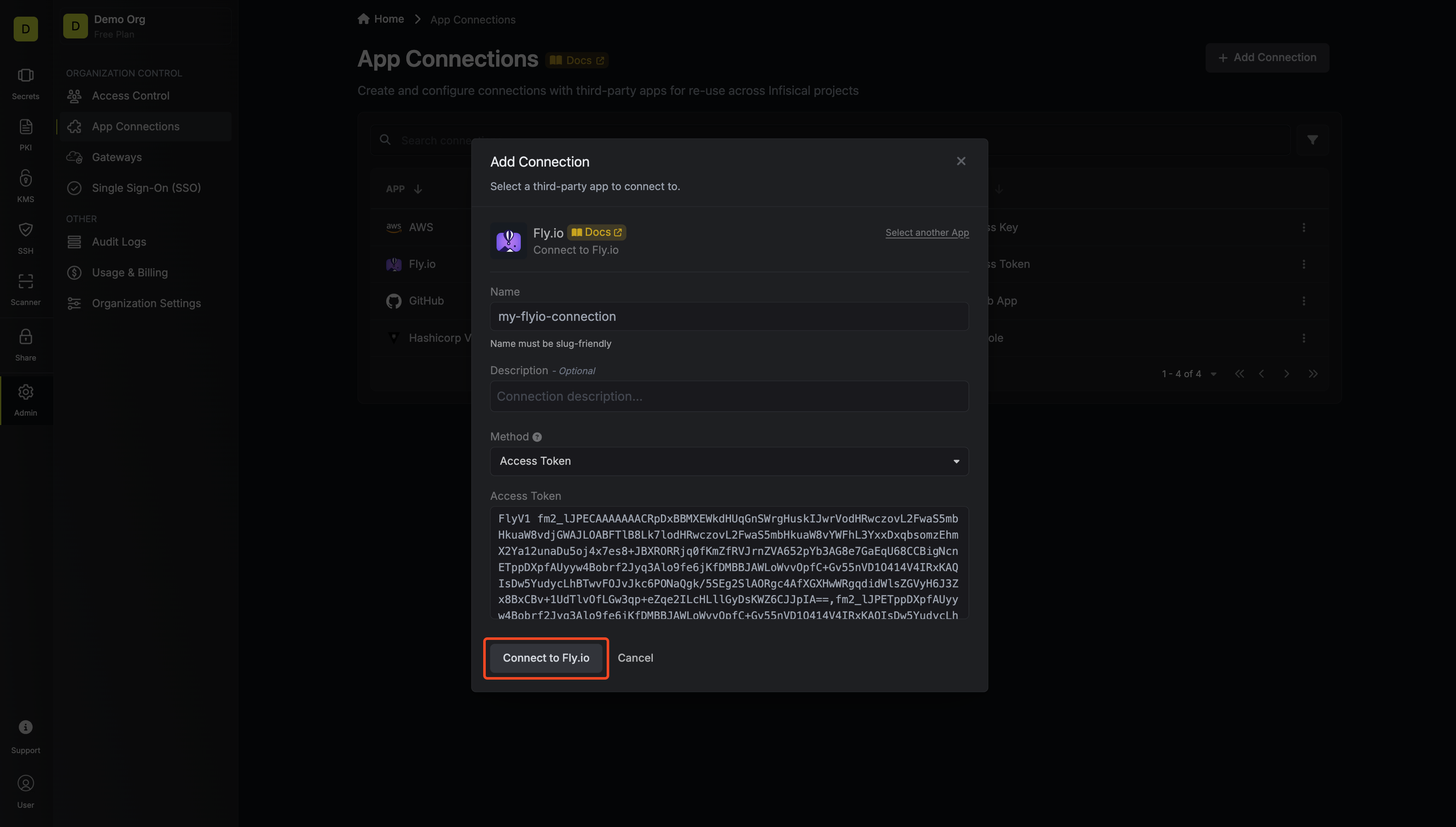
Complete the Fly.io Connection form by entering:
- A descriptive name for the connection
- An optional description for future reference
-
The Access Token from earlier steps