Documentation Index
Fetch the complete documentation index at: https://infisical-saif-eng-4890-add-support-for-oracle-db-access-in.mintlify.app/llms.txt
Use this file to discover all available pages before exploring further.
Before creating honey tokens, an organization admin must complete the
one-time setup.
Creating a Honey Token
Open the Secrets Dashboard
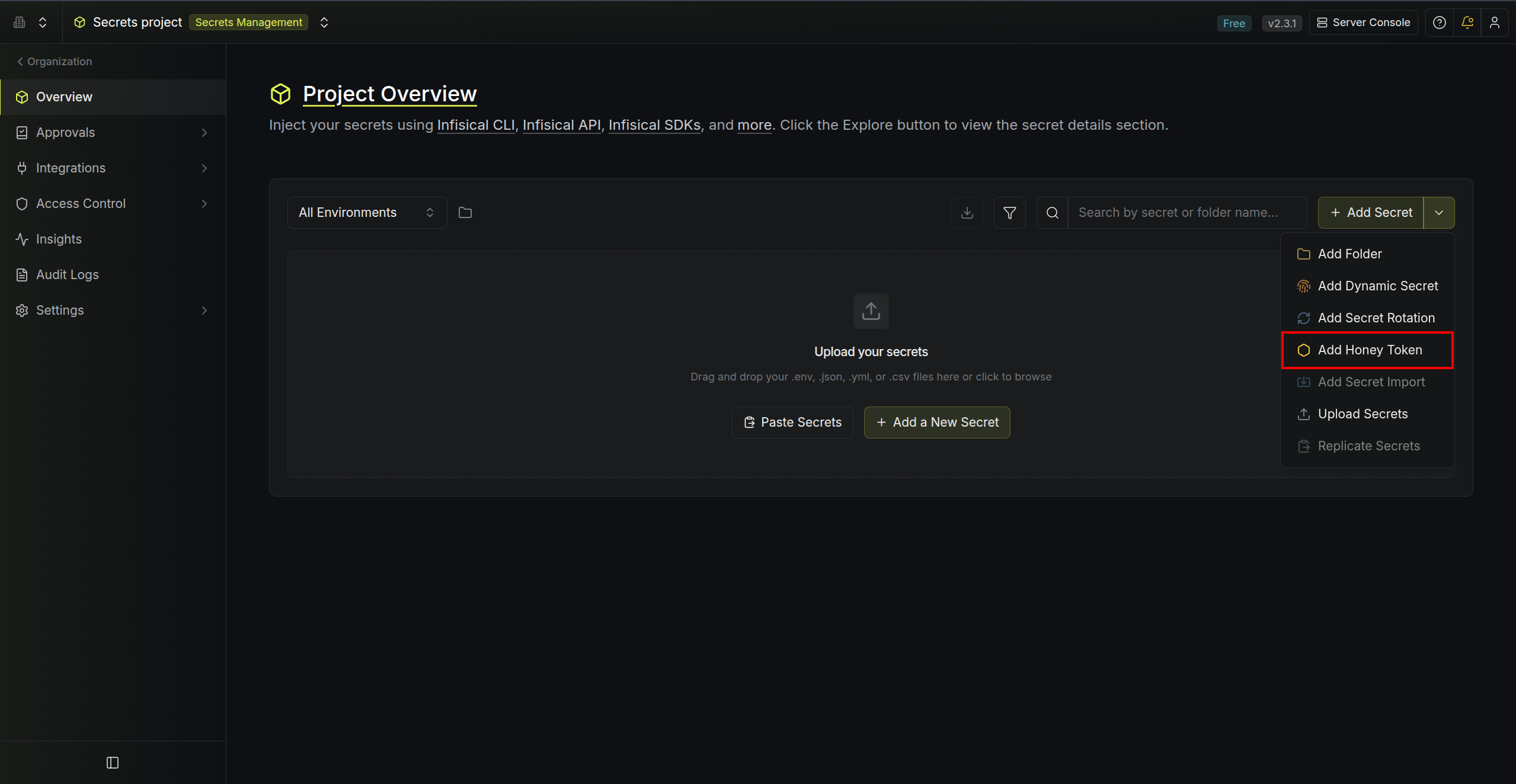
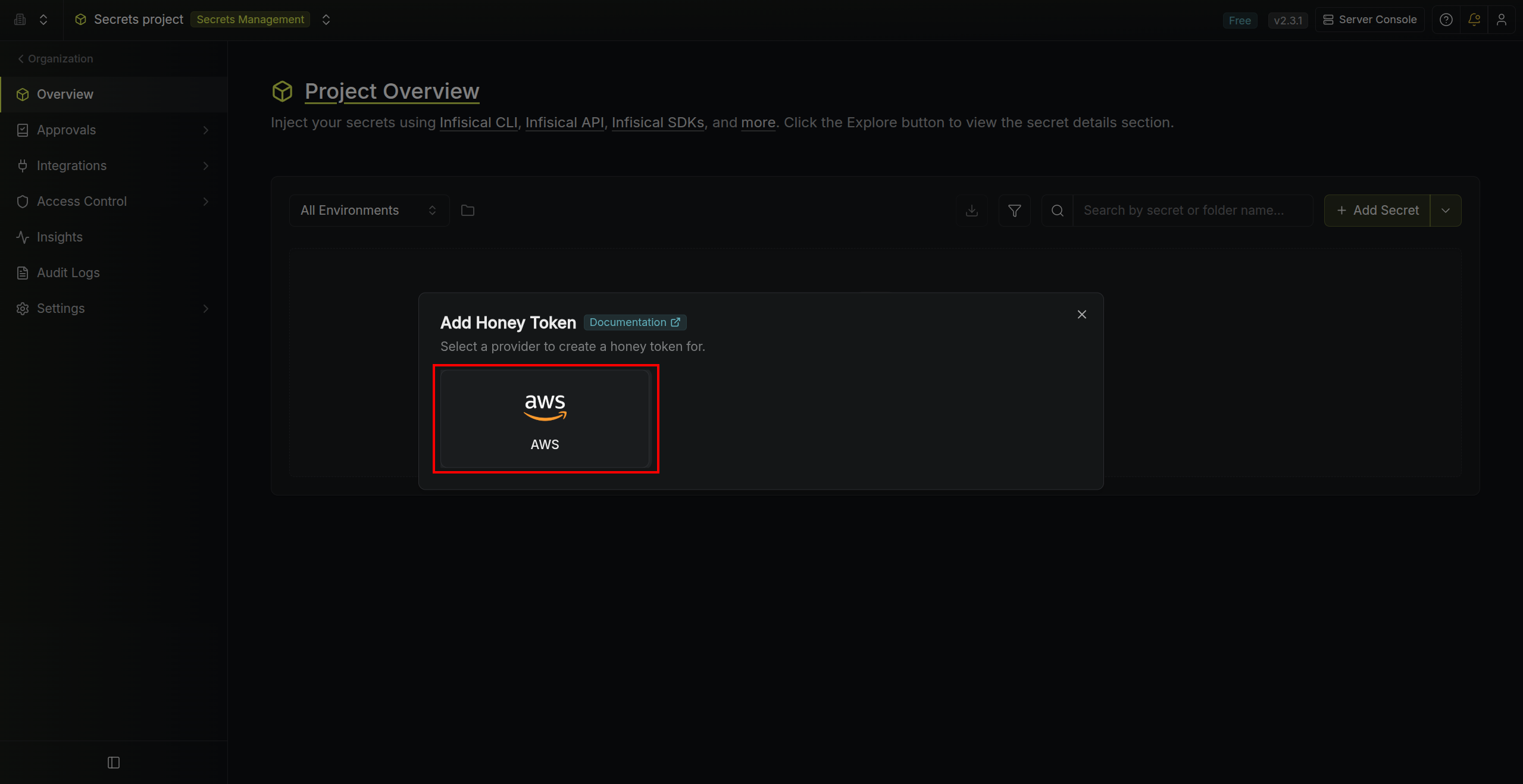
Navigate to your project’s Secret Manager dashboard and select the environment and secret path where you want to plant the honey token.
Environment Configuration
Configure where the honey token and it’s credentials will be planted within your project: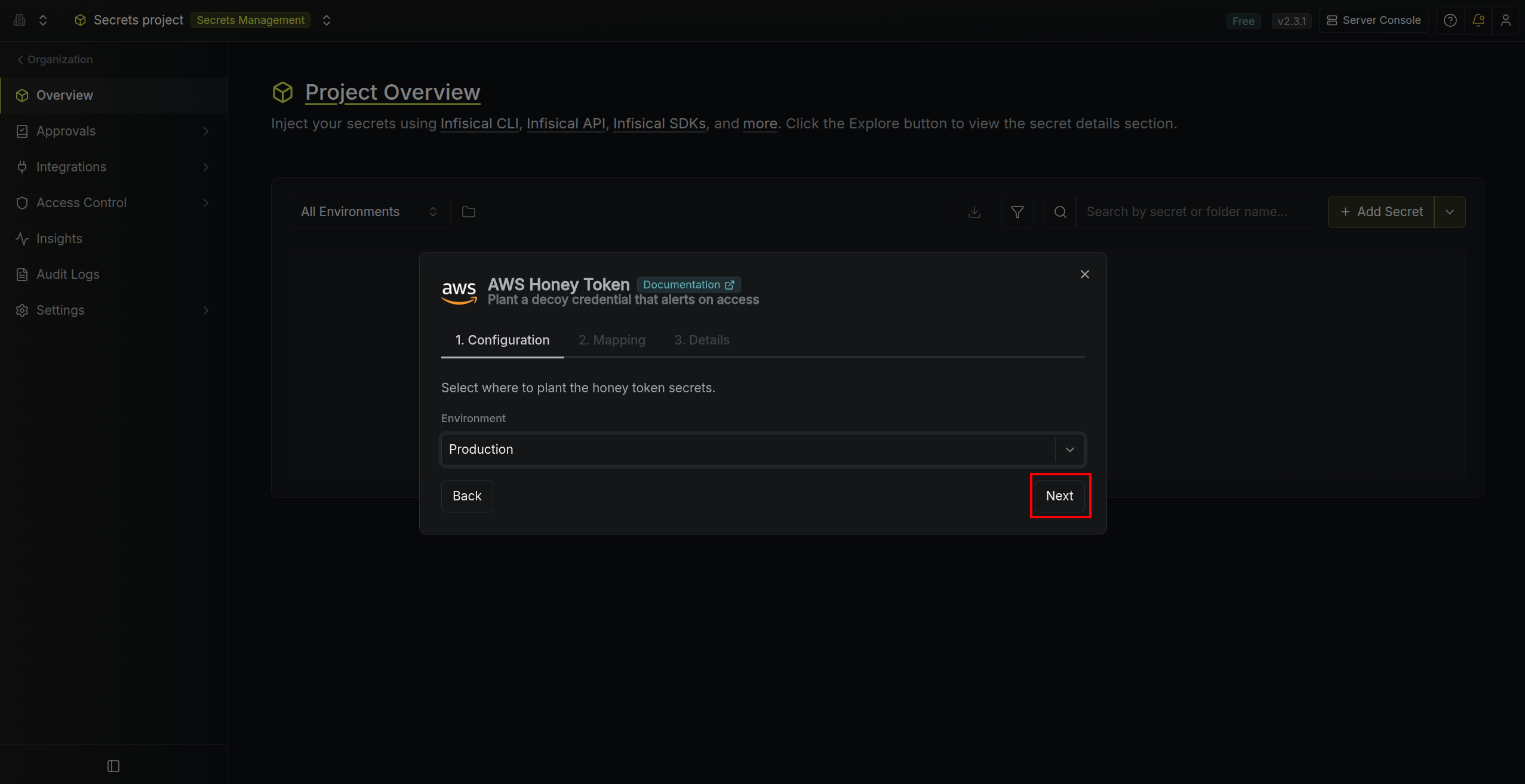
- Environment — choose the target environment.
The secret path is automatically determined based on which secret path you are currently in while creating the honey token.
Configure Secret Mappings
Configure the secret mappings. This dictates the secret keys in your selected environment and secret path will be created and contain the honey token credentials.
-
Access Key ID — secret name for the AWS access key ID (for example:
AWS_ACCESS_KEY_ID). -
Secret Access Key — secret name for the AWS secret access key (for example:
AWS_SECRET_ACCESS_KEY).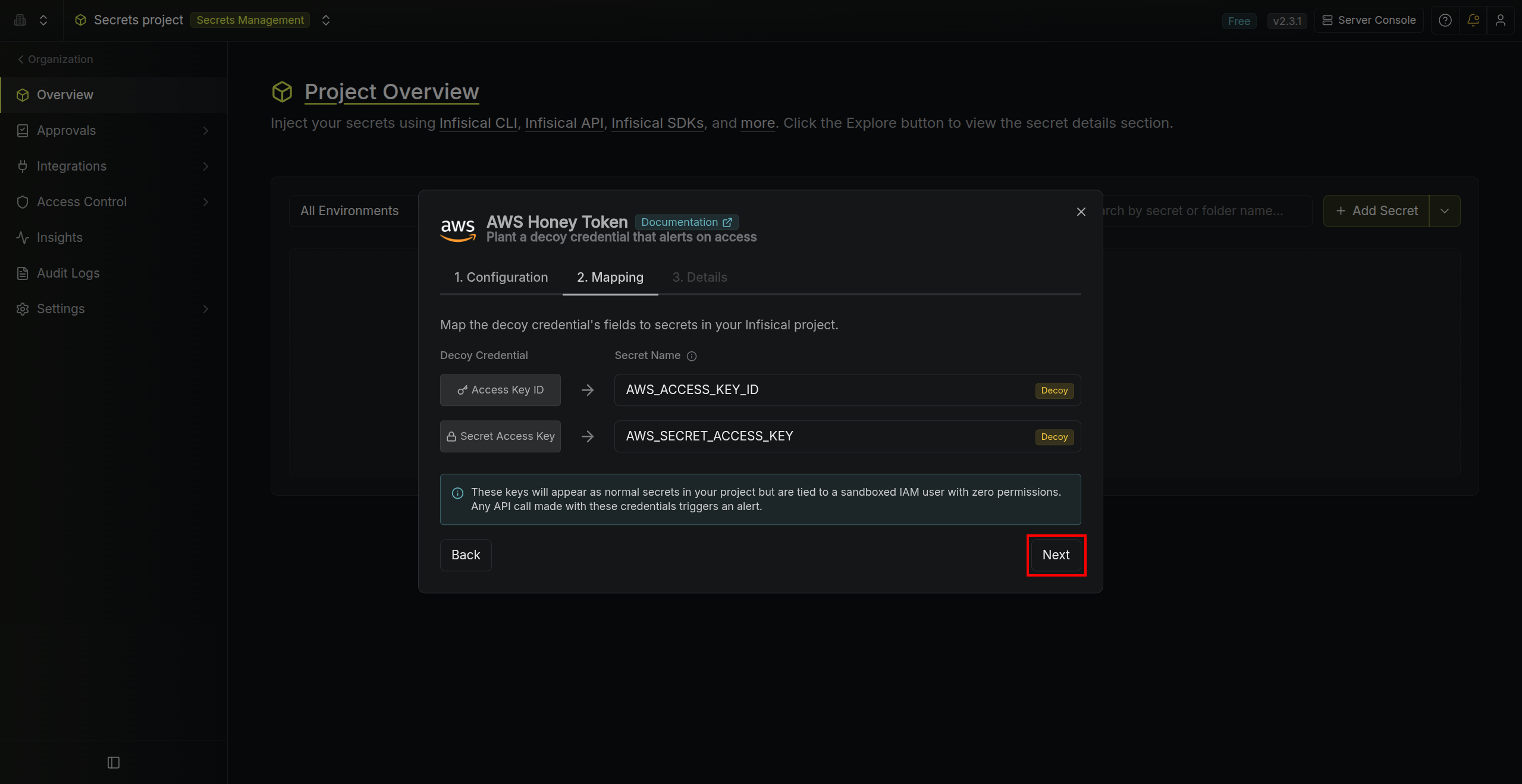
Configure Details
Add the honey token details to help you better identify it in the future: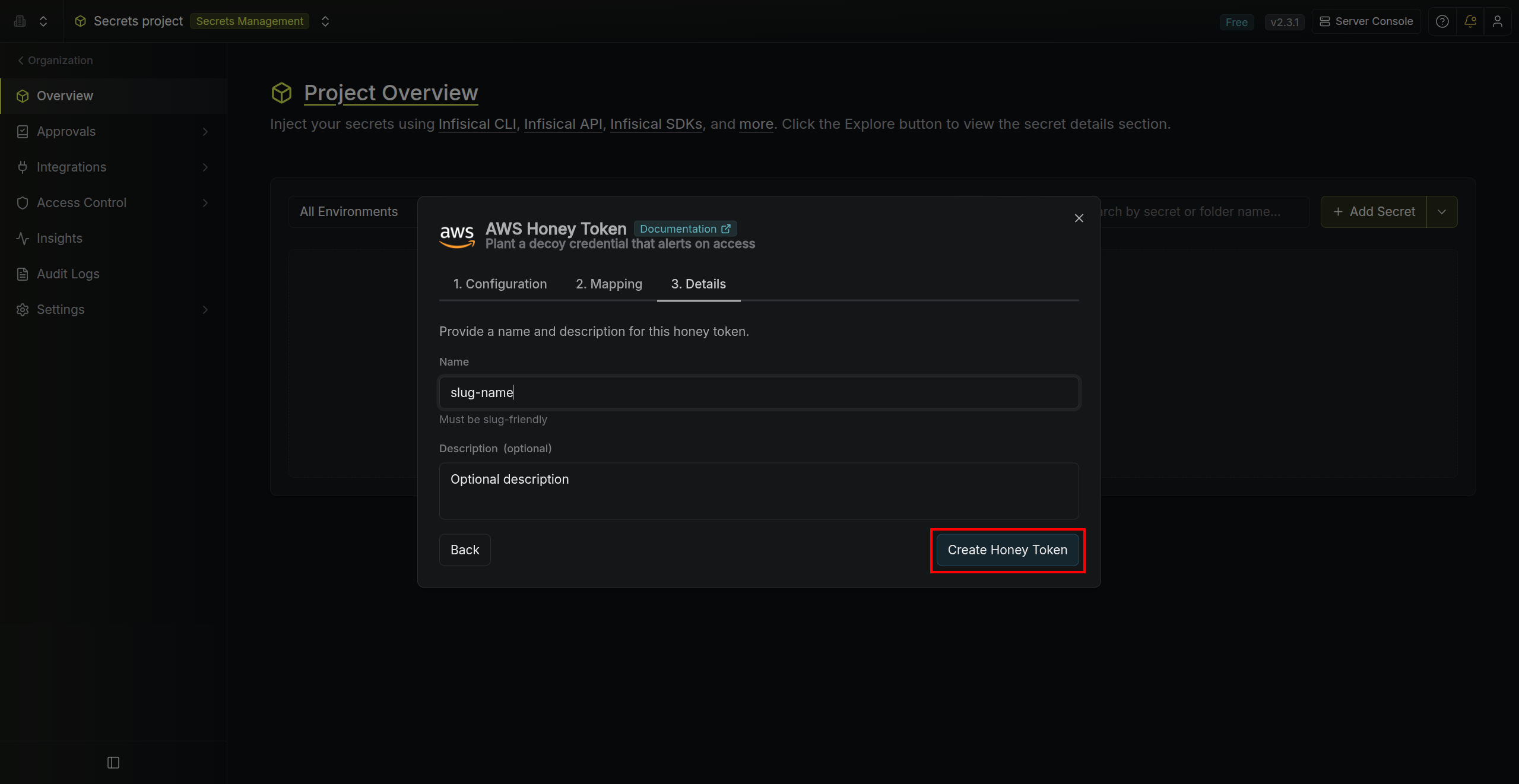
- Name — a slug-friendly identifier (must be unique within the selected folder).
- Description (optional) — context for this honey token.
Notifications
When someone uses a honey token’s credentials to make any AWS API call, Infisical detects the activity, marks the honey token as Triggered, and sends an email alert to all organization admins with:- The name of the triggered honey token and its project
- The AWS API call that was made (e.g.,
GetUser,ListBuckets) - The source IP address and AWS region
- The time of the event
- A direct link to the honey token in the Infisical dashboard
To avoid alert fatigue, Infisical sends at most one email notification per
honey token every 24 hours. All trigger events are still recorded and
viewable in the event log.
Managing Honey Tokens
Viewing Events
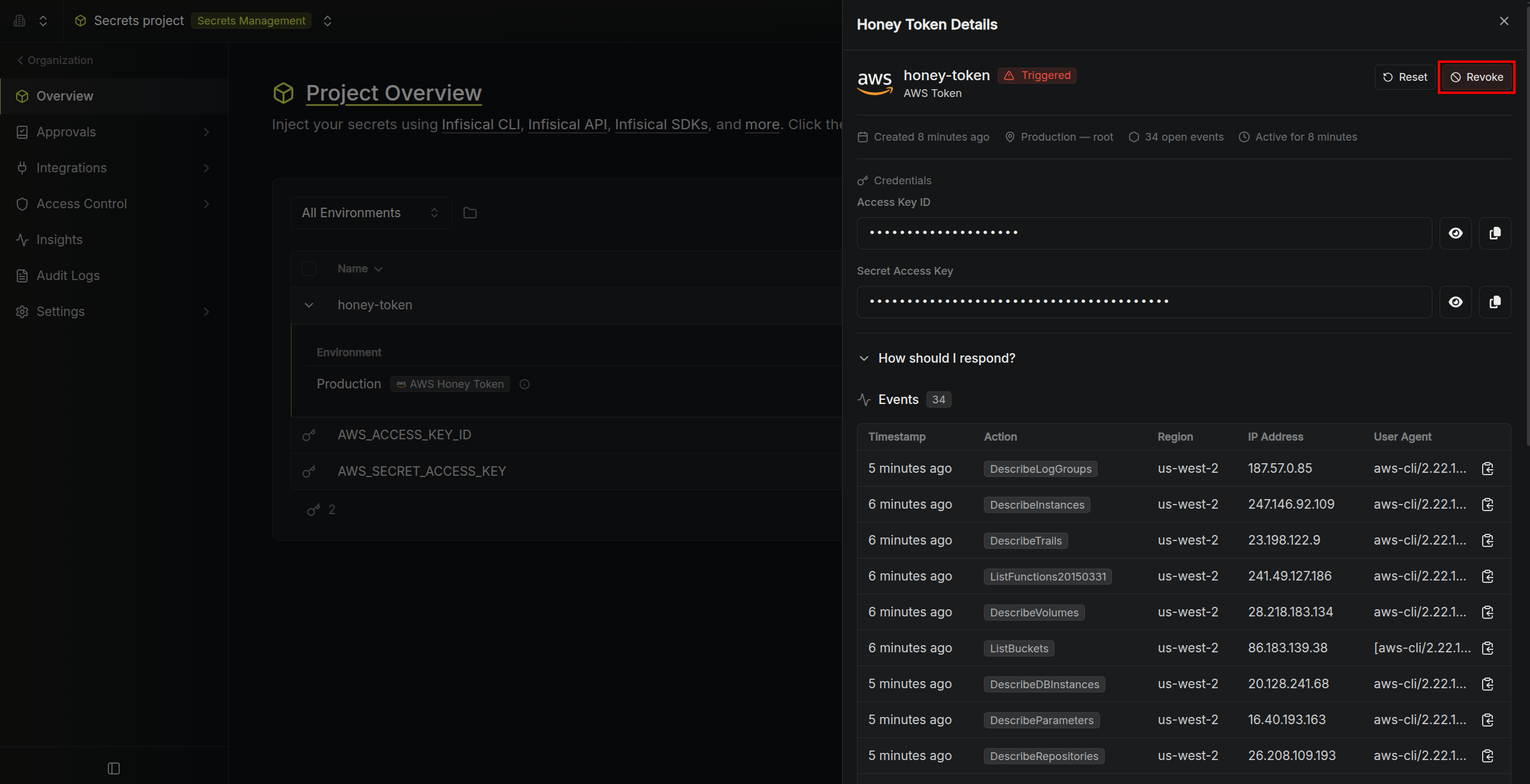
Open a honey token’s detail page to see a chronological log of all trigger events since the last reset. Each event shows the AWS API call, source IP, region, and timestamp.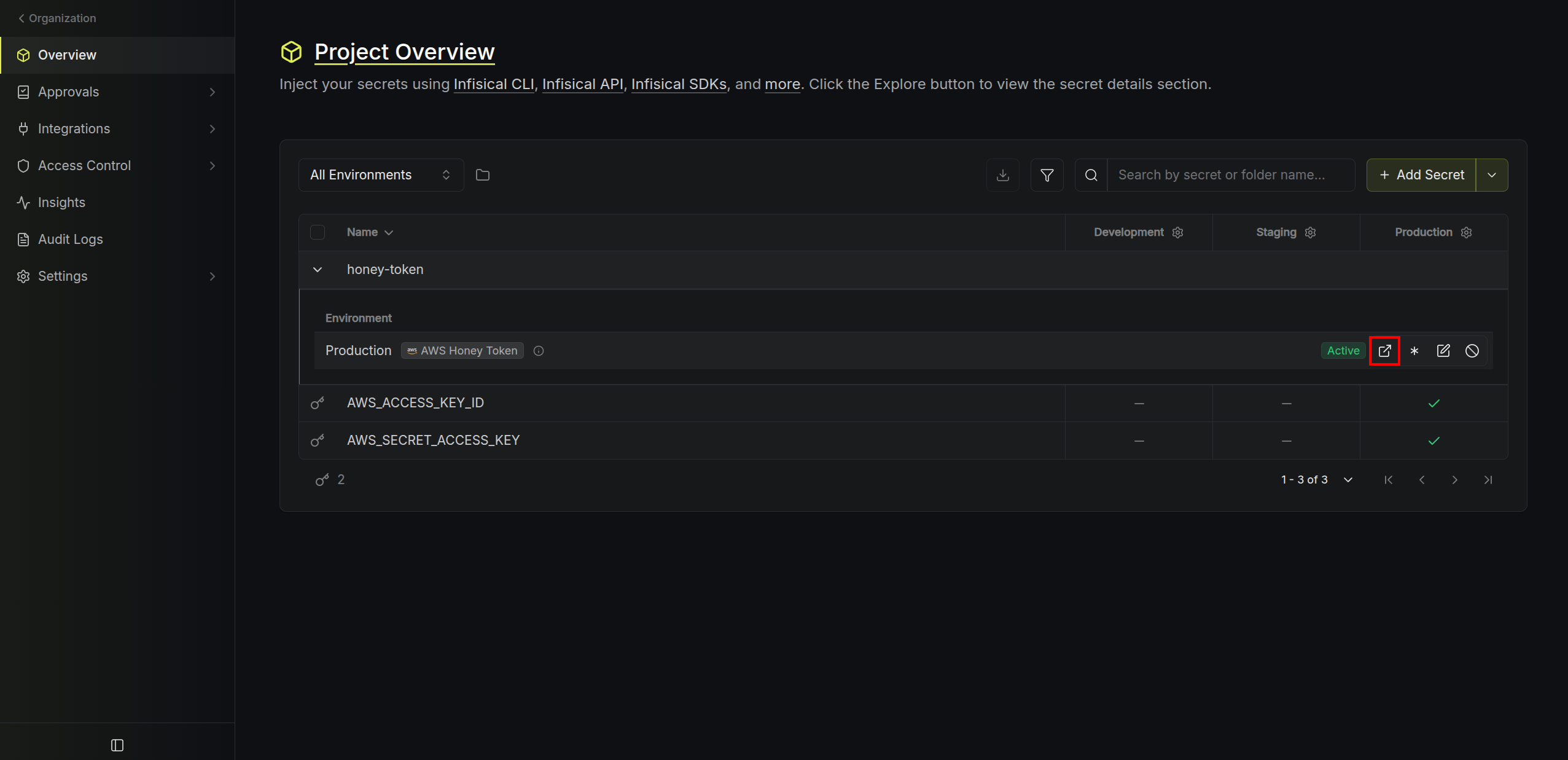
Resetting a Triggered Token
If a honey token is in Triggered status and you’ve addressed the incident, click Reset to return it to Active status. This hides previous events from the event log view (events are still stored in the database) and re-enables email notifications.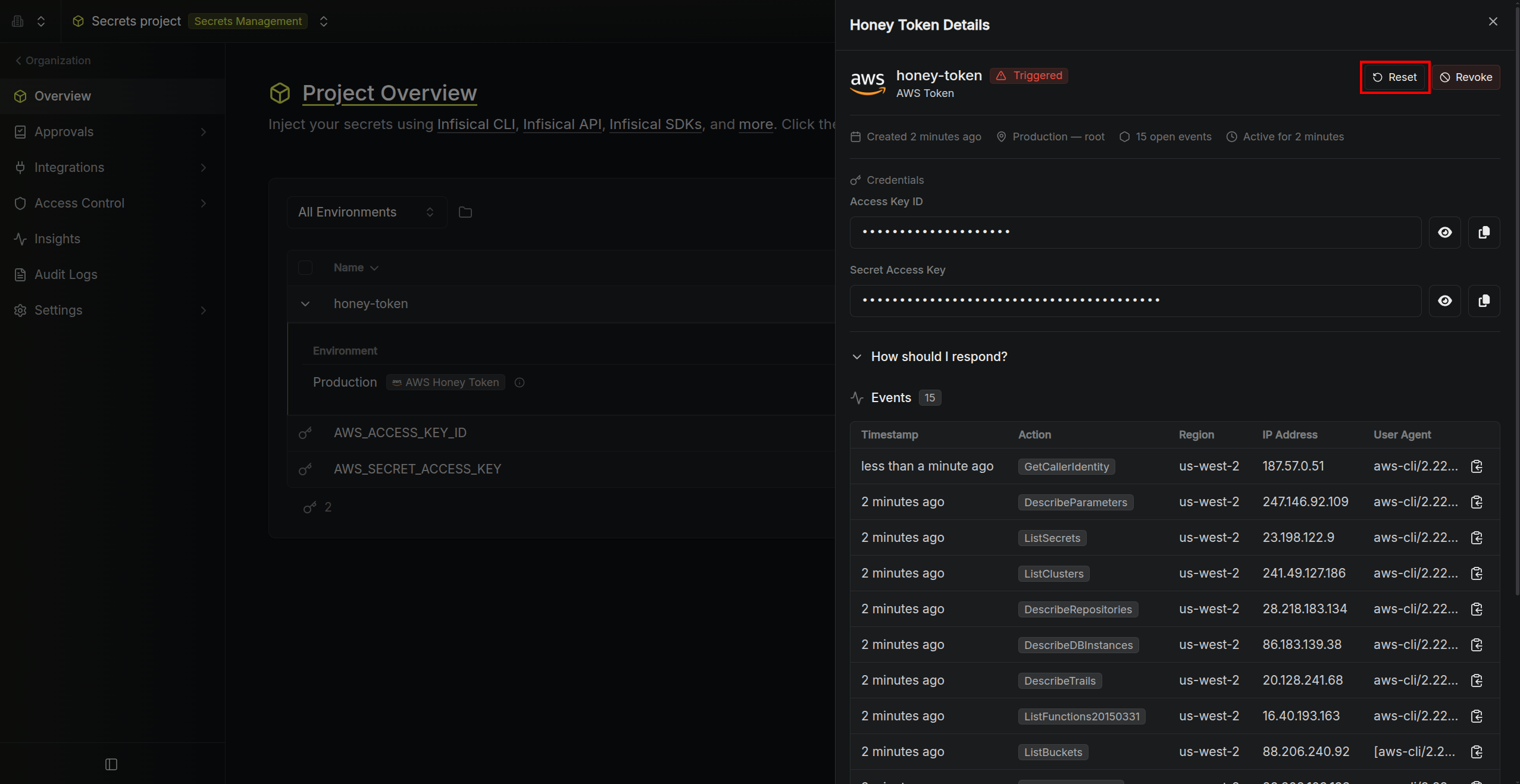
Revoking a Honey Token
To permanently deactivate a honey token, click Revoke. This will:- Delete the IAM user and access key from AWS
- Remove the decoy secrets from the project
- Mark the honey token as Revoked